Windows + Android · Made in Canada
Your whole office in one app.
One low price.
Documents, spreadsheets, presentations, Visio diagrams, a full PDF reader and editor and a Notepad++-style code editor — plus a File Library that keeps every file organized and private built-in AI. All included, on your PC and your phone.
Latest version 2.0.5 · Windows 10 and 11 · Android 7 and newer
- 14-day free trial
- No card needed on Windows
- No account
- Files stay on your device
- Private built-in AI
- Works offline
Everything included. No add-ons.
The apps you pay extra for elsewhere — diagrams, a PDF editor and a code editor — come in the same subscription. New apps are added at no extra cost.
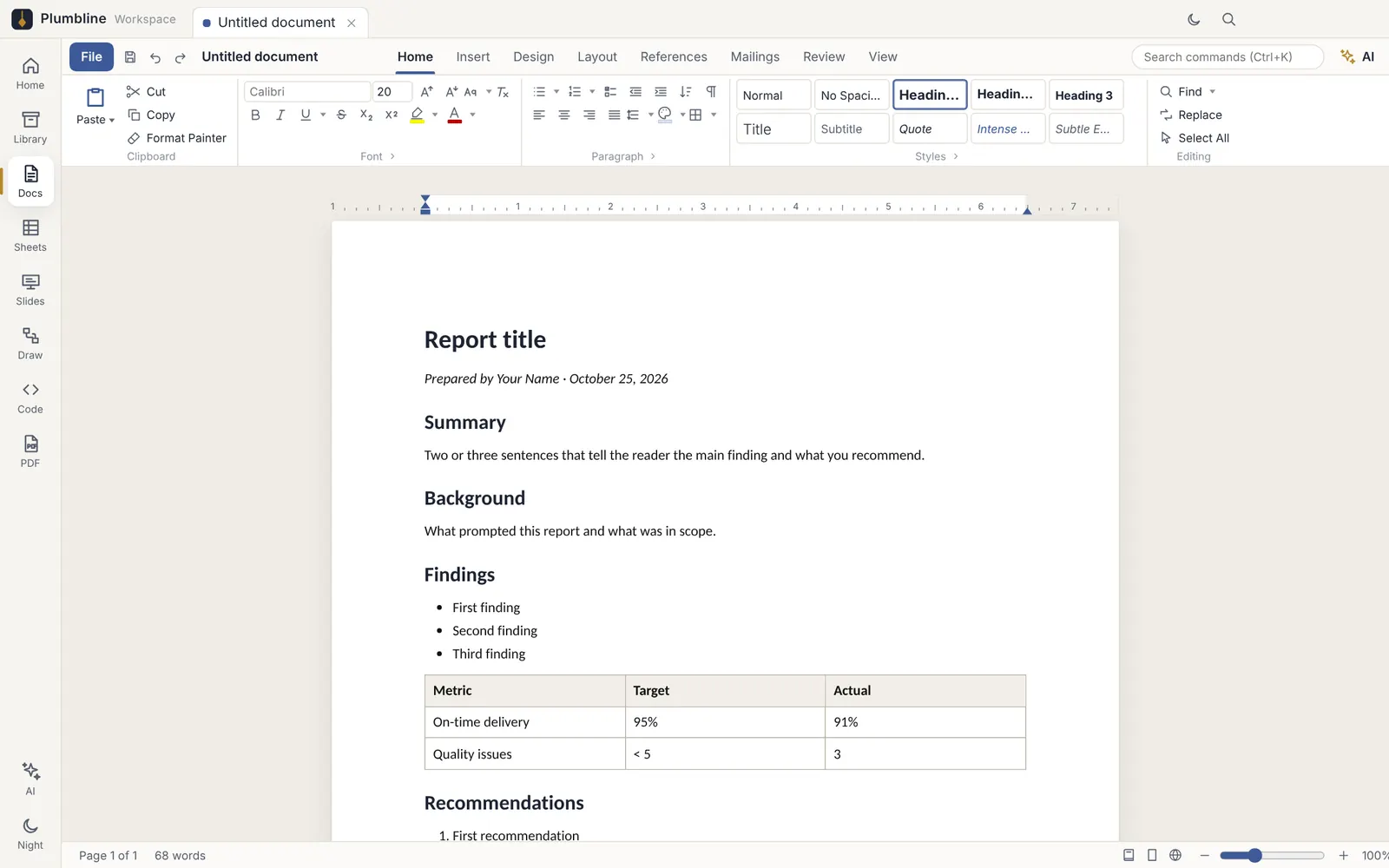
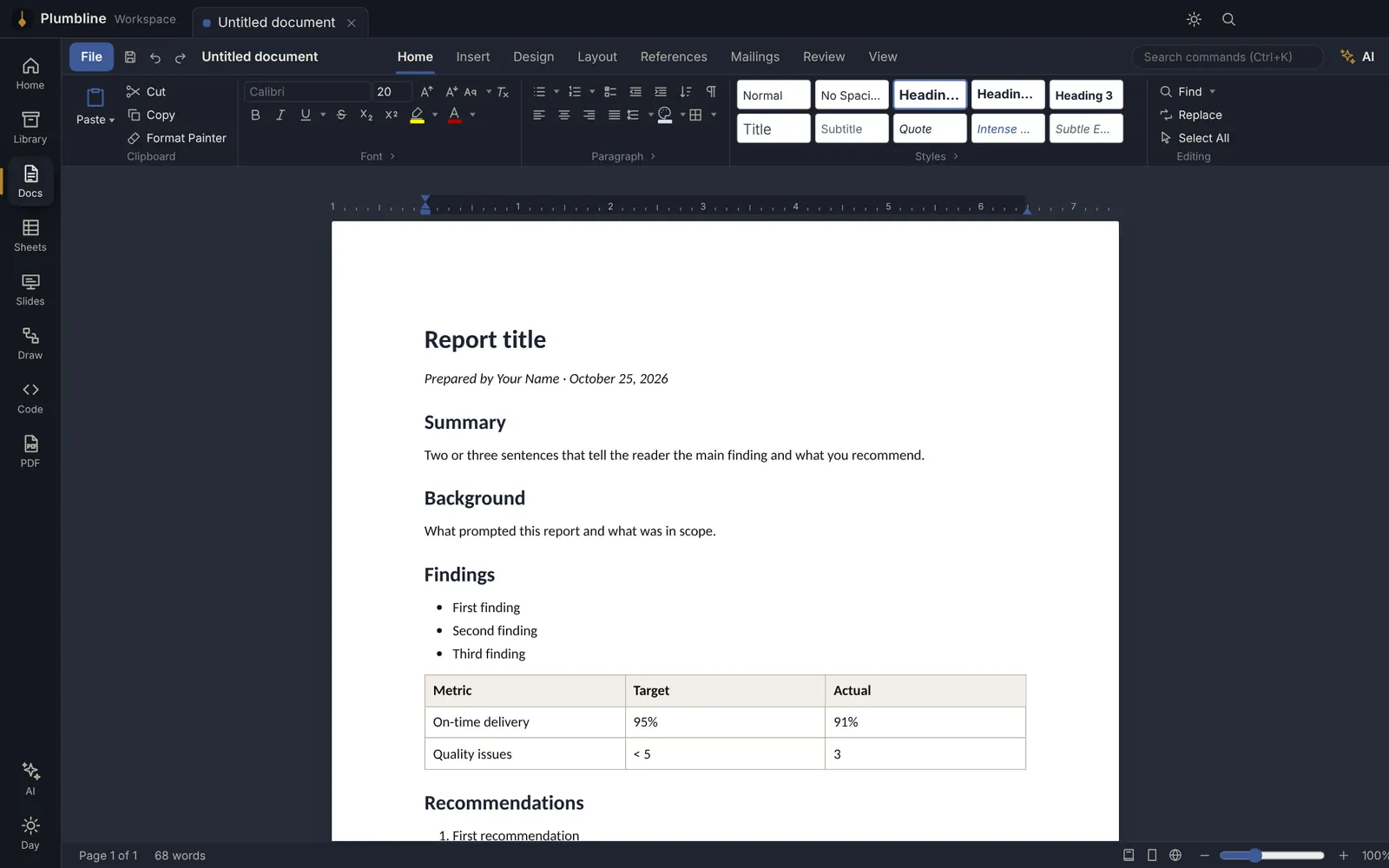
Like Word
Docs
Open, edit and save .docx — styles, tables, images, comments, track changes, mail merge and PDF export.
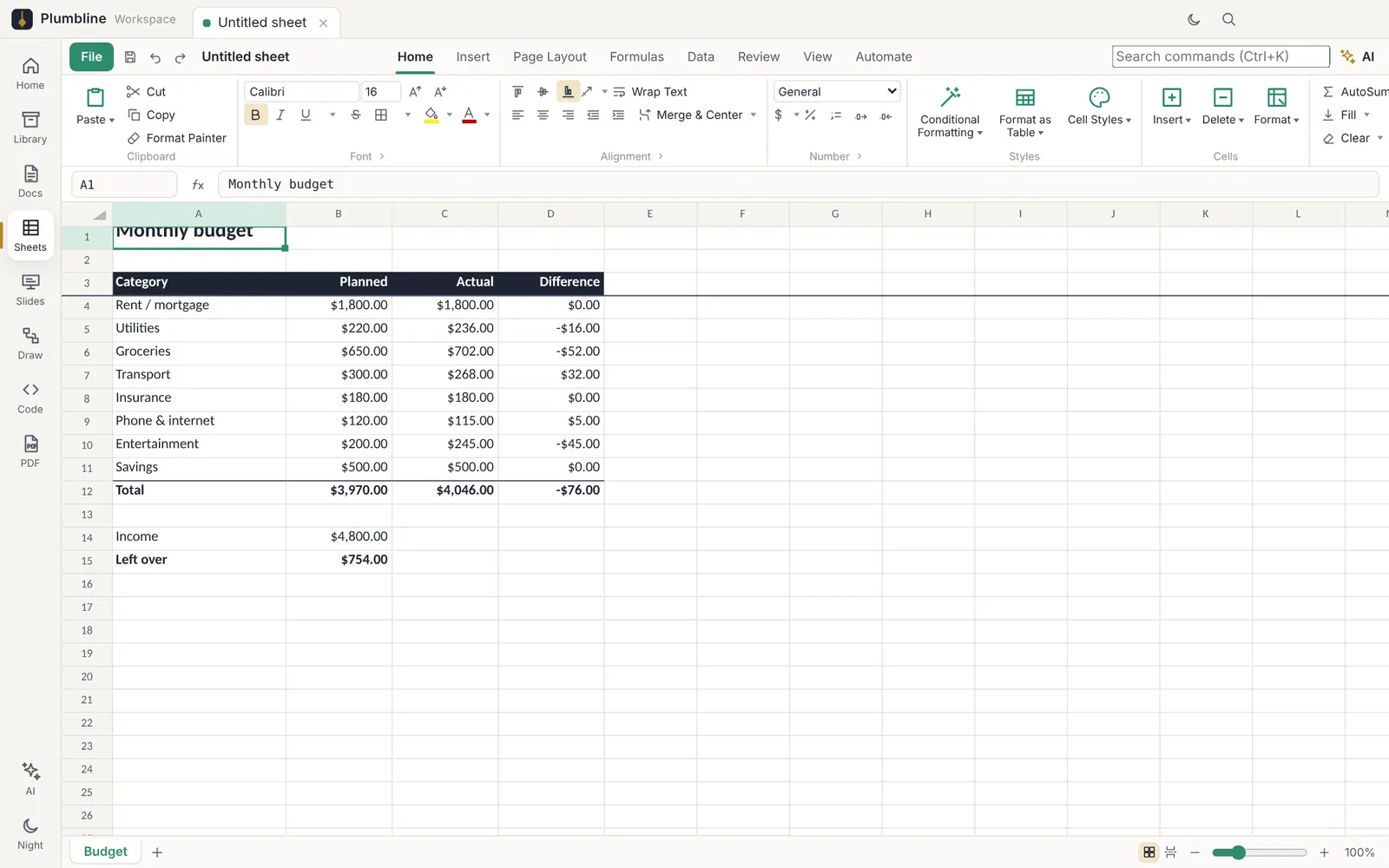
Like Excel
Sheets
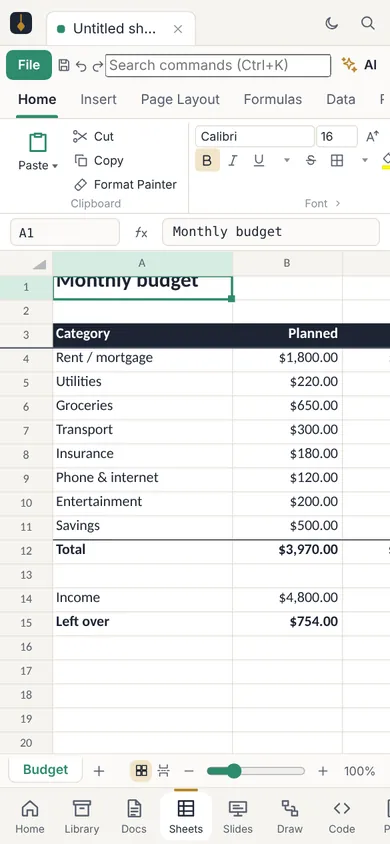
Open .xlsx and .csv with hundreds of formulas, charts, filters, conditional formatting and pivot-style summaries.
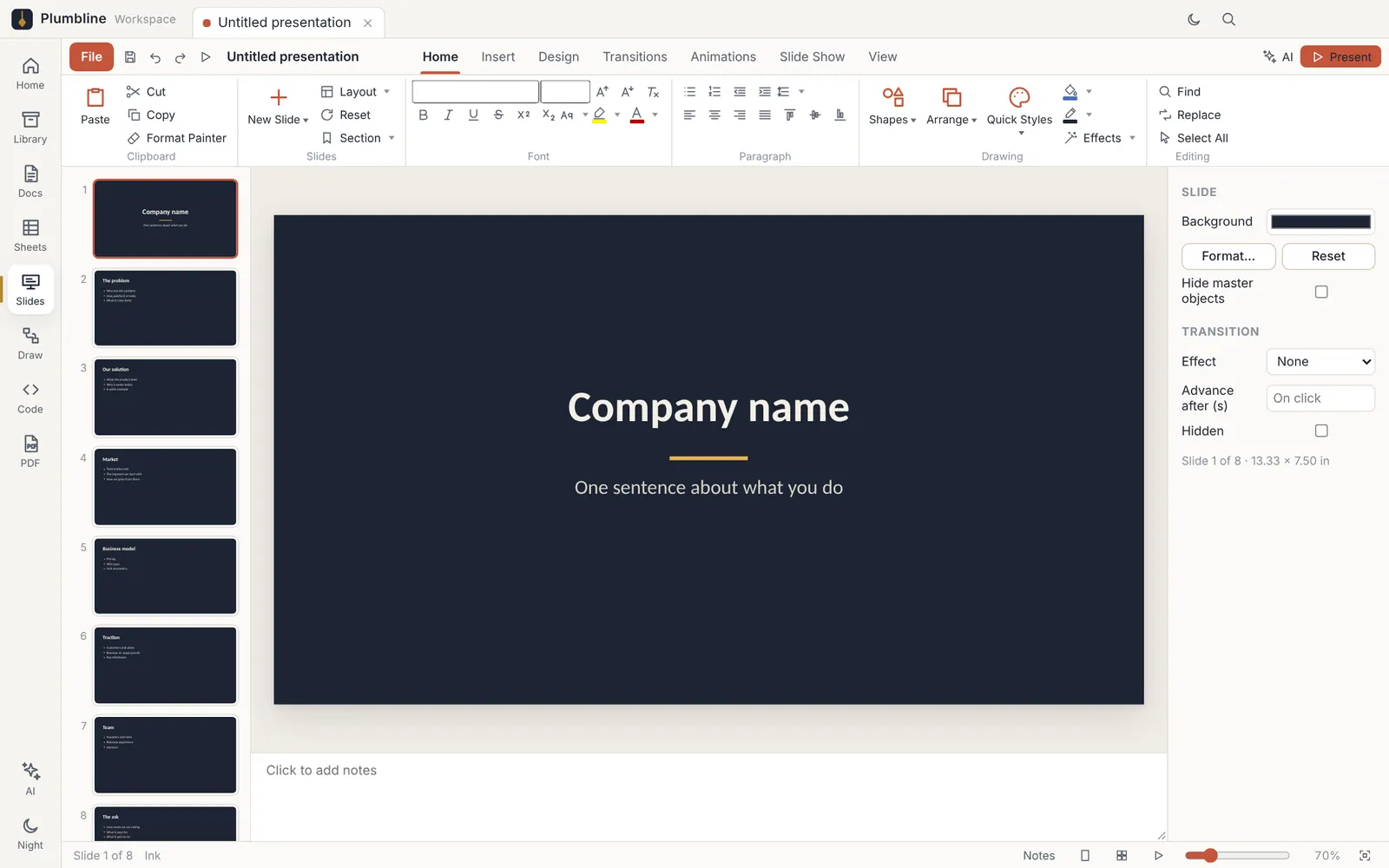
Like PowerPoint
Slides
Build and present .pptx decks with themes, transitions, speaker notes and presenter view.
Like Visio
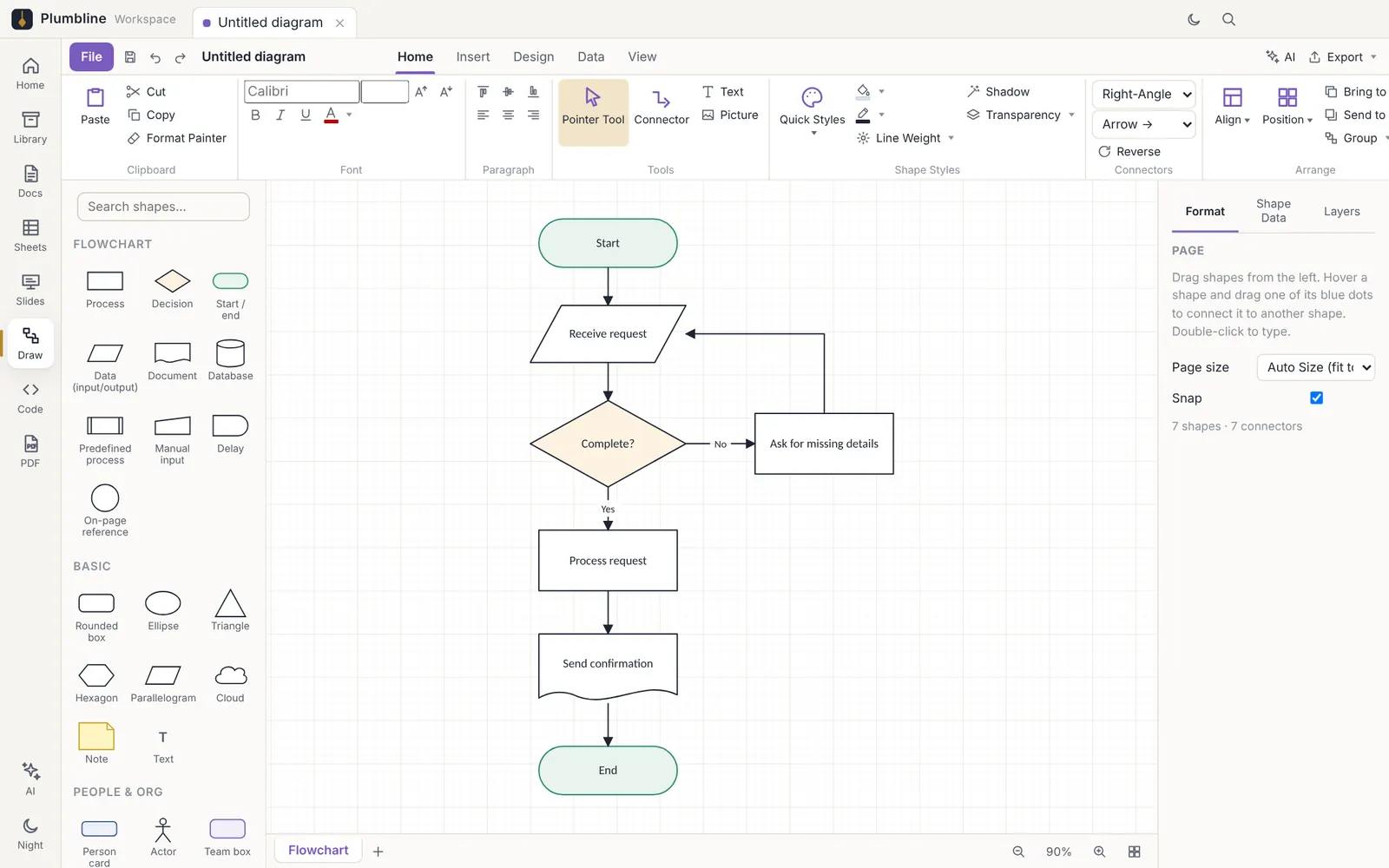
Draw
Flowcharts, org charts and process diagrams that open and save as Visio .vsdx.
Like Acrobat
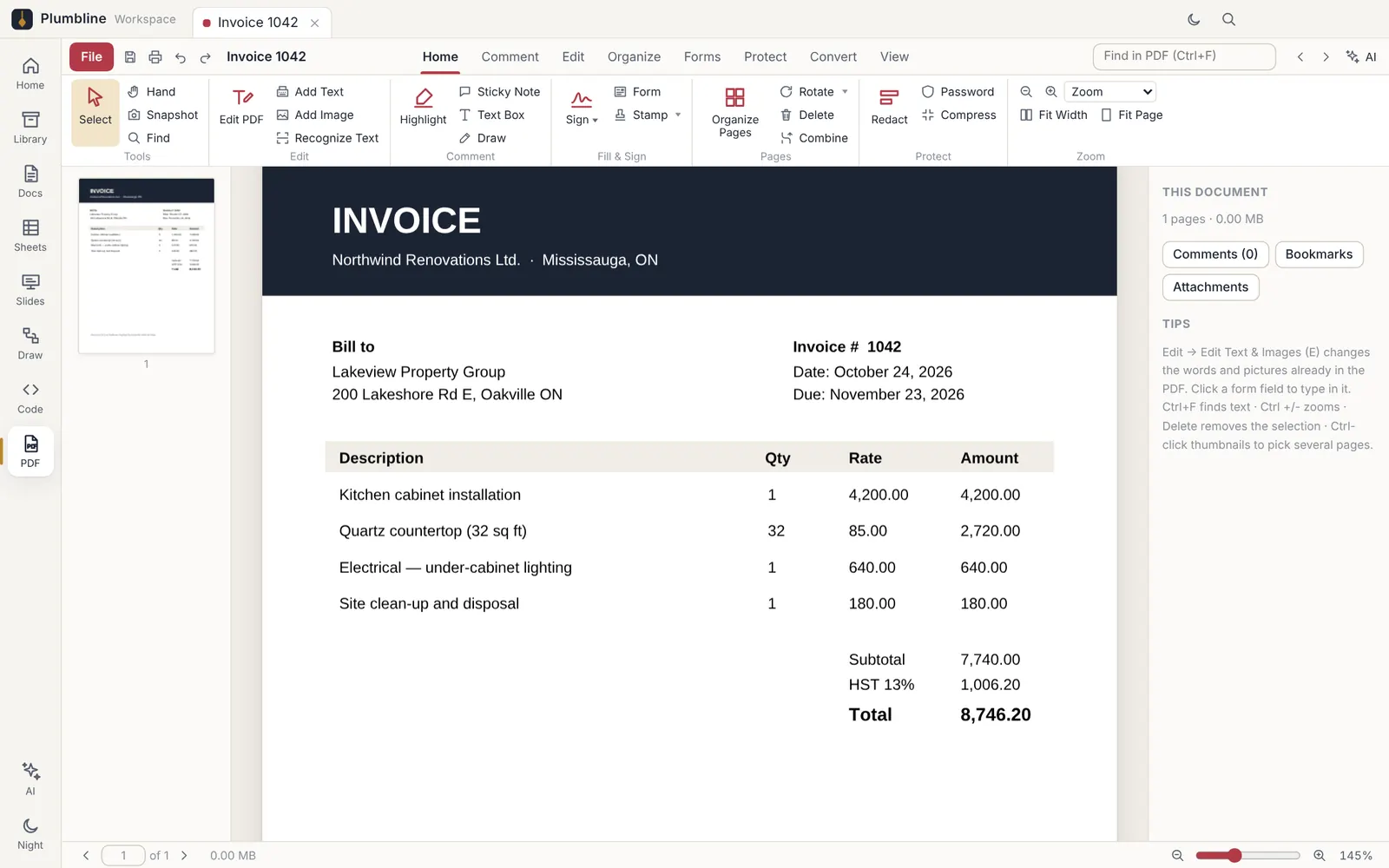
PDF reader & editor
Read, edit text, highlight, fill forms, sign, merge, split, redact and turn scans into searchable text.
Your files, organized
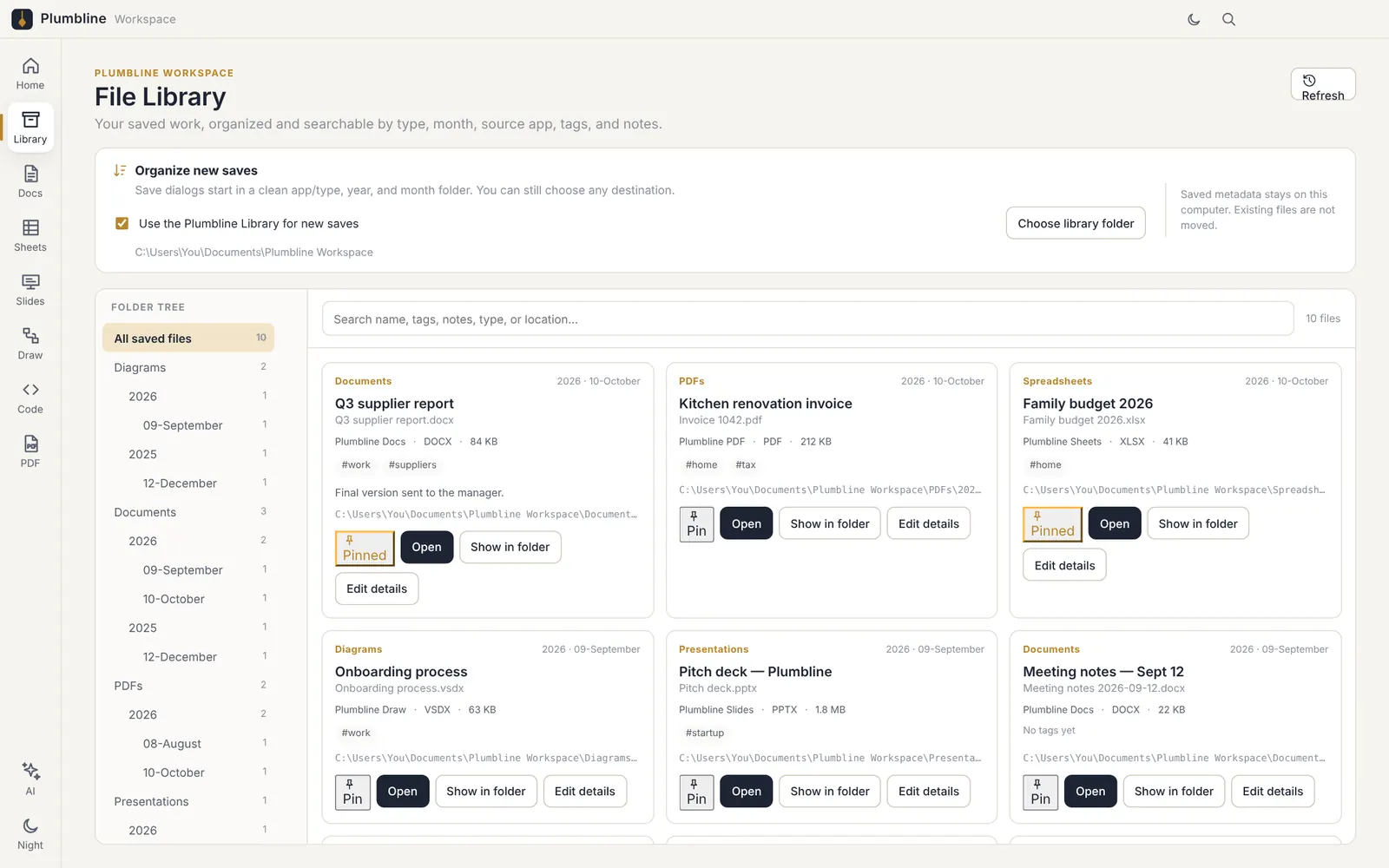
File Library
Every file you save is sorted into folders by type, year and month — with tags, notes, pins and search.
Like Notepad++ · New in 2.0.5
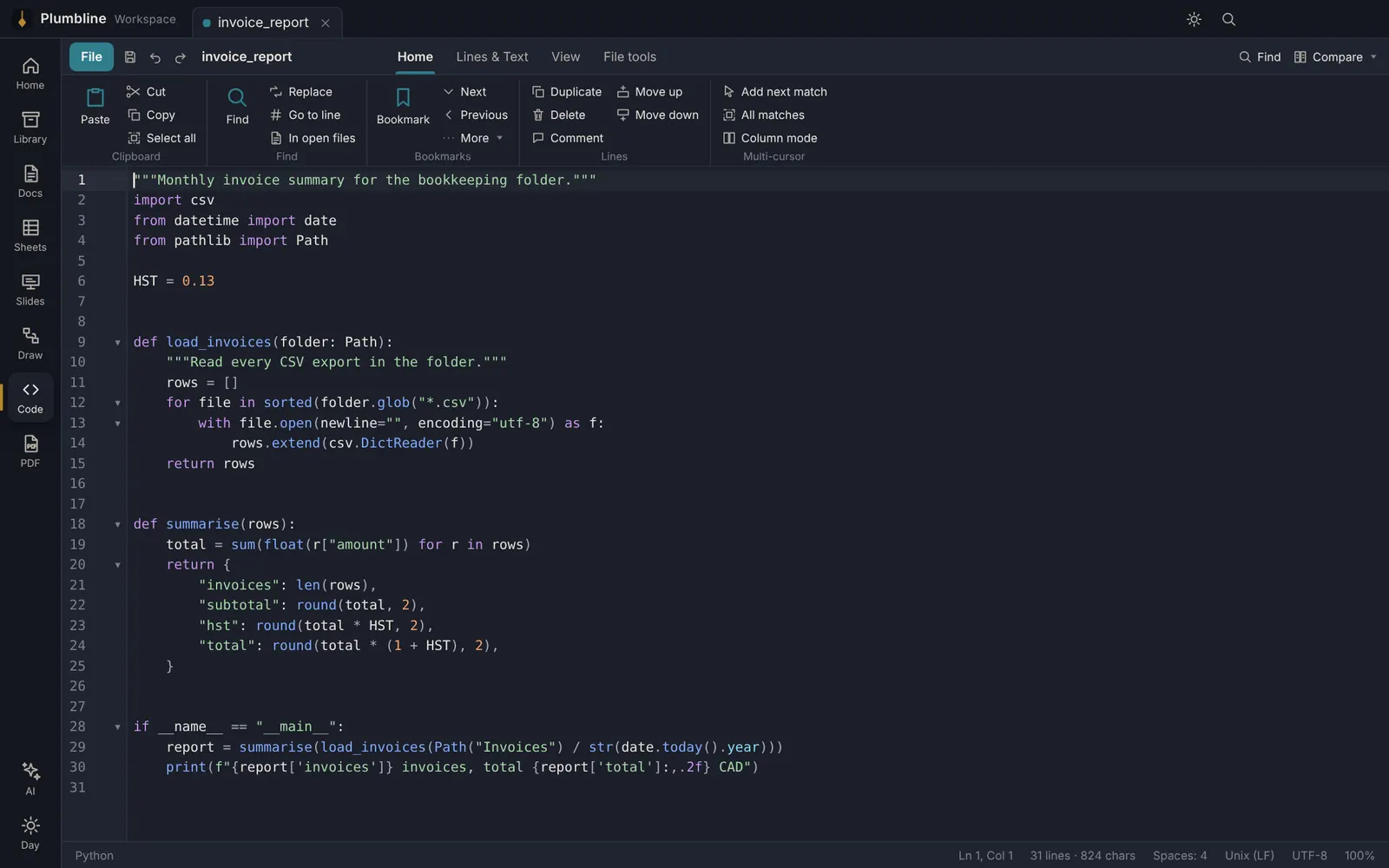
Code
For developers, IT and anyone who edits text files: colours for 140+ languages, tabs, regex find & replace across all open files, multi-cursor and column editing, sort and clean lines, UTF-8/ANSI and line-ending tools, side-by-side compare — and big log files open in a second.
Plumbline AI
Built-in AI that keeps your data yours.
Plumbline AI runs on your own computer. Your documents are never sent to a cloud AI, never stored on our servers and never used to train anyone's model — and it works even with no internet connection.
Private by design
The AI model is installed with the app and runs on your PC. What you write, calculate or scan stays on your device.
Works offline
On a plane, on site, or with spotty Wi-Fi — the AI keeps working because it doesn't need the internet.
Included in the price
No extra AI subscription and no usage limits to watch. It's part of Plumbline.
Plumbline AI is in the Windows app today (6 GB of memory or more recommended); the Android app is next. It uses an open-source model that runs on your PC. You can connect a different AI service in Settings if you want to — it's off unless you turn it on.
Moving from Microsoft Office? It takes minutes.
Plumbline works with the files you already have. Nothing to import, nothing to convert.
Install and open your files
Double-click any .docx, .xlsx, .pptx, .vsdx or .pdf — or open your Documents folder from Plumbline. They open as they are.
Work the way you're used to
A familiar ribbon — Home, Insert, Layout, Review — and the same shortcuts: Ctrl+S, Ctrl+Z, Ctrl+B, Ctrl+F, Ctrl+P.
Share with anyone
Save straight back to Word, Excel, PowerPoint and Visio formats. People you send files to open them in Office without noticing a thing.
Leave any time
No special file format, no cloud lock-in. Your files are ordinary Office and PDF files on your own computer.
Microsoft 365 Personal
CA$115 / year
Word, Excel and PowerPoint. Visio and Adobe Acrobat are sold separately. Needs a Microsoft account.
Plumbline Workspace
CA$24.99 / year
Documents, spreadsheets, slides, Visio diagrams, PDF editor, File Library and code editor. No account needed. Windows + Android.
Microsoft 365 Personal price as listed on microsoft.com/en-ca, October 2026. Microsoft, Word, Excel, PowerPoint and Visio are trademarks of Microsoft; Acrobat is a trademark of Adobe. Plumbline is not affiliated with either.
On your phone too
Same files, same subscription, on Android.
Open attachments from Gmail, Drive or WhatsApp straight into Plumbline, make a quick edit and send it back. One subscription covers up to 3 devices — PC and phone.
Simple pricing
Every app included. One subscription unlocks Plumbline on Windows and Android — up to 3 devices.
Try everything free for 14 days first. On Android, subscribe inside the app through Google Play (same plans). Your key arrives by email right after a Windows purchase — paste it into the app. Taxes are added at checkout where they apply.
Questions
Will my Word, Excel and PowerPoint files look the same?
Plumbline opens and saves .docx, .xlsx, .pptx and .vsdx directly, so you keep working in the same files. Everyday documents look the same; very complex layouts or macros can differ slightly — try your own files free for 14 days.
Does one purchase work on both Windows and Android?
Yes. A Windows key also unlocks the Android app (choose “I have a Plumbline key”). Android subscribers find their PLB-… key in the app under Licence, and it unlocks the Windows app too. Each key works on up to 3 devices.
Do my documents get uploaded anywhere?
No. Your documents stay on your device. The app only talks to our server to check your licence. See the privacy policy.
Does the AI send my documents to the cloud?
No. Plumbline AI runs on your own computer, so your text never leaves your device and is never used for training. It works offline too. A different AI service can be connected in Settings only if you choose to.
What happens to my files if I stop paying?
Nothing — they're ordinary .docx, .xlsx, .pptx, .vsdx and .pdf files on your device. You can open them in any other app.
Windows says “Windows protected your PC” when I install it.
That appears for new apps that aren't yet widely downloaded. Choose More info › Run anyway. The download is about 1.2 GB because the offline AI is built in.
I got a new computer and my key says it's on 3 devices.
Open Manage my key, enter your key and press Remove next to the old device. You can do the same from the Licence window in the app.
How do I cancel?
Windows: use the “Manage subscription” link in your receipt email, or My Orders. Android: Google Play › Payments & subscriptions › Subscriptions. You keep access until the end of the period you paid for.
Something else?
Send us a message or email support@plumblinestech.com — we reply within 24–48 hours.